
Xcode 27 Crashes React Native Apps at Launch. Here's the Fix.
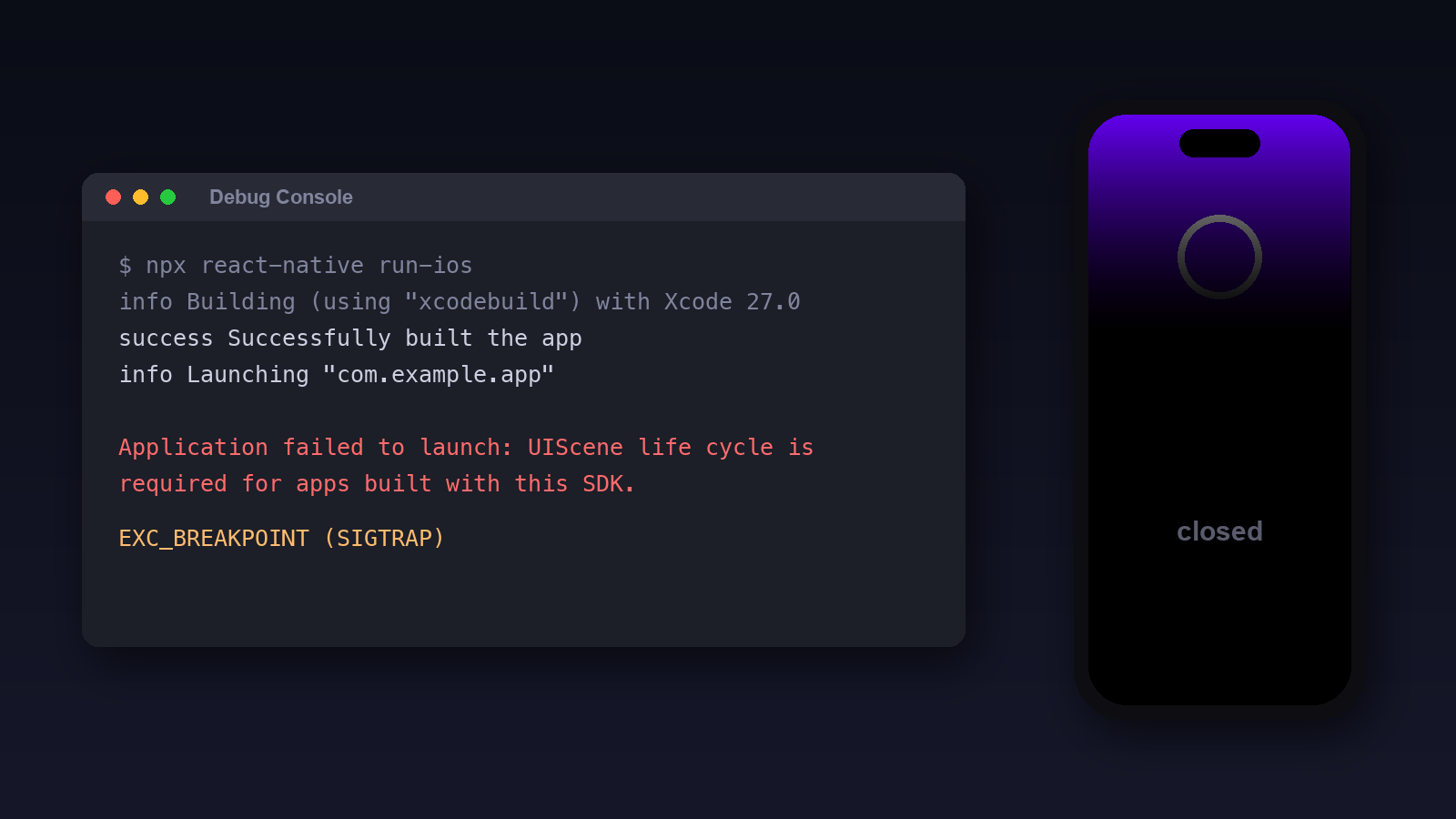
You update to Xcode 27. You build your React Native app like you always do. It opens for a split second and then it’s just gone.
No red screen. No JavaScript error. It doesn’t even get that far.
If you look in the Xcode console you’ll find this:
Application failed to launch: UIScene life cycle is required for apps built with this SDK. See "Transitioning to the UIKit scene-based life cycle" in the UIKit documentation for more information on migration.And the crash report points at ___UIApplicationEvaluateRuntimeIssueForNoSceneLifecycleAdoption_block_invoke with an EXC_BREAKPOINT (SIGTRAP).
There’s a fix, and I wrote one. But first, here’s what’s going on.
Why it happens
For years iOS apps could do things two ways. The old way, where the app delegate makes one window when the app starts. Or the newer “scene” way, which Apple added back in iOS 13 so iPads could have more than one window.
The old way kept working. Apple warned about it for a while. With the iOS 27 SDK, which is what Xcode 27 builds with, the warning is over. Apple’s docs say apps built with it “must adopt the scene-based life cycle or they fail to launch”.
And they mean fail. UIKit checks while the app is starting up and kills it before your app delegate’s didFinishLaunching even runs.
React Native’s app templates have always used the old way. They make their window in application:didFinishLaunchingWithOptions: and never declare a scene. So every React Native app made from those templates trips the check.
Who it hits
React Native added scene support in 0.88 (#57700, #57717), which came out on October 15. Expo SDK 58 moved to React Native 0.88.
So here’s the quick version:
| Your app | Built with Xcode 27 |
|---|---|
| React Native 0.87 or earlier | Crashes at launch |
| Expo SDK 57 or earlier | Crashes at launch |
| React Native 0.88+ or Expo SDK 58+, using the scene delegate | Launches |
| Built with Xcode 26 or earlier | Launches |
Expo SDK 57 does ship a scene delegate you can switch to, but its templates don’t use it. So most SDK 57 apps still crash.
That’s a lot of apps. Plenty of people aren’t ready to jump React Native versions just because Xcode updated.
Fix 1: upgrade
If you can move to React Native 0.88 or Expo SDK 58 and use the scene delegate, do that. That’s the real fix and it’s where everyone ends up eventually.
But a React Native upgrade is rarely a ten minute job. Native modules break, things need testing, and sometimes you just need the app to build today.
Fix 2: the bridge
So I made react-native-uiscene-bridge. You install it, rebuild, and the app launches. No code changes.
React Native:
npm install react-native-uiscene-bridge
cd ios && pod install
Expo, in a development build or an EAS build:
npx expo install react-native-uiscene-bridgeThen build again. Autolinking picks up the pod. There’s no config plugin and nothing to call from JavaScript.
What it actually does
It’s one small Objective-C file. When it loads:
- If your app declares no scene, it gives your app delegate the one method UIKit is looking for, which hands back a scene configuration. That’s enough to pass the check.
- Its scene delegate takes the window your app delegate already made and puts it in the scene. If there’s no window, it makes one.
- Under scenes, iOS sends links, Handoff, quick actions and foreground and background events to the scene instead of the app delegate. The bridge passes each one back to the app delegate method that used to get it. So
Linking, Expo Router and your own overrides keep working. - A link that launches the app comes in with the scene now, not in the launch options. The bridge passes it along, and
Linking.getInitialURL()still returns it. - If your app already declares a scene, it does nothing. Built with Xcode 26 or earlier, the pod compiles to nothing at all.
That last part matters. Once you upgrade and adopt scenes yourself, the bridge just steps aside. You can delete it whenever.
How I checked it
All of this was on Xcode 27.0 with an iPhone 18 Pro simulator on iOS 27.0:
- React Native 0.86.3: crashes without it, runs with it. Launch links, links while running and
AppStateall work. - Expo SDK 56 with Expo Router: crashes without it, runs with it. A launch link opens the right route.
- Expo SDK 54: crashes without it, runs with it.
There’s also an automated test that builds small apps and runs them in the simulator, and CI runs it on GitHub’s Xcode 27 image.
What I haven’t tested yet: a real device, iPad multiwindow (it’s one window only), Mac Catalyst, and universal links and quick actions specifically. They go through the same path as normal links but I haven’t confirmed them. If something breaks for you, open an issue and I’ll fix it.
So which one?
If you can upgrade, upgrade. If you need the app building today, install the bridge, ship, and upgrade when you’re ready. Then delete the bridge.
Anyway. I’m gonna go see what else Xcode 27 broke.
How this was written
This post was drafted from my notes by an AI model and then edited by me. The reasoning, decisions, and corrections are mine; the prose started from a machine. The underlying technical work this post describes is real.
Licensed CC-BY-4.0.